
Light Codes
-
Turn on Illumination
The illumination lamp can provide auxiliary illumination for reading. The light illuminates the reading target and improves the reading performance and the adaptability under weak environment illumination. This is the default.

-
Turn off Illumination
Under most conditions the auxiliary illumination is not necessary for a successful scan.

-
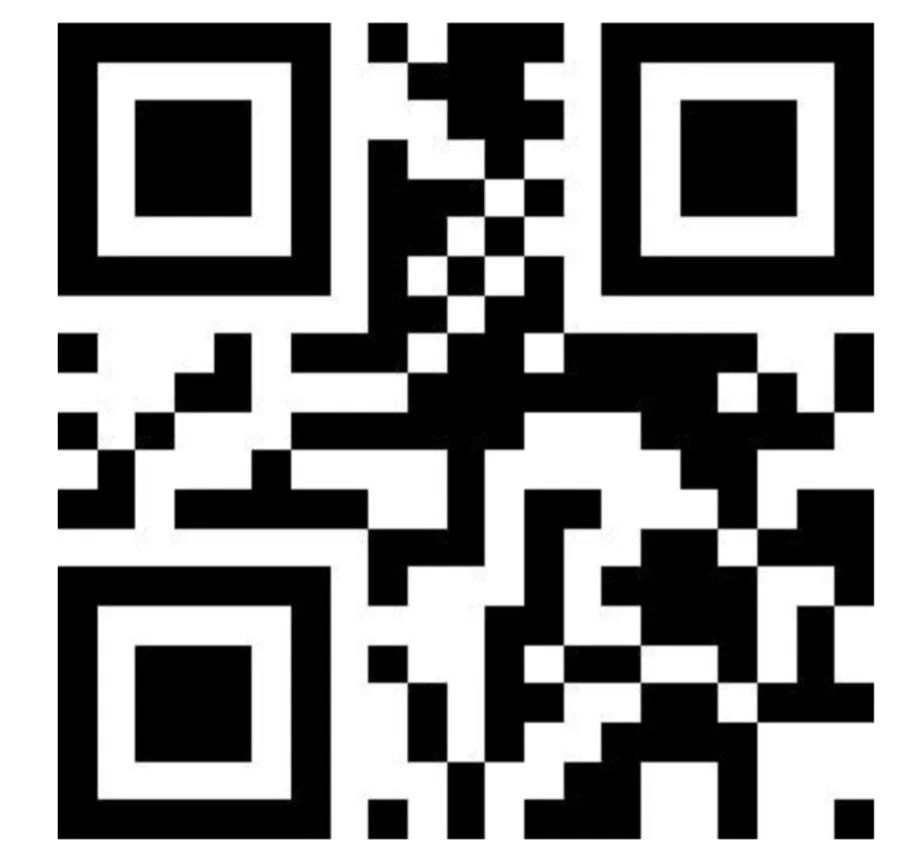
Turn on Aimning Beam
An aiming beam can help users find the best reading distance when scanning barcodes by projecting a red line to easily identify where the scanner is reading. The default is to turn on the aiming beam.
-
Turn off Aiming Beam
Once you get used to your album positioning, you may not need or want an aiming beam. This code will turn it off.
